 Celo
Celo You build the route
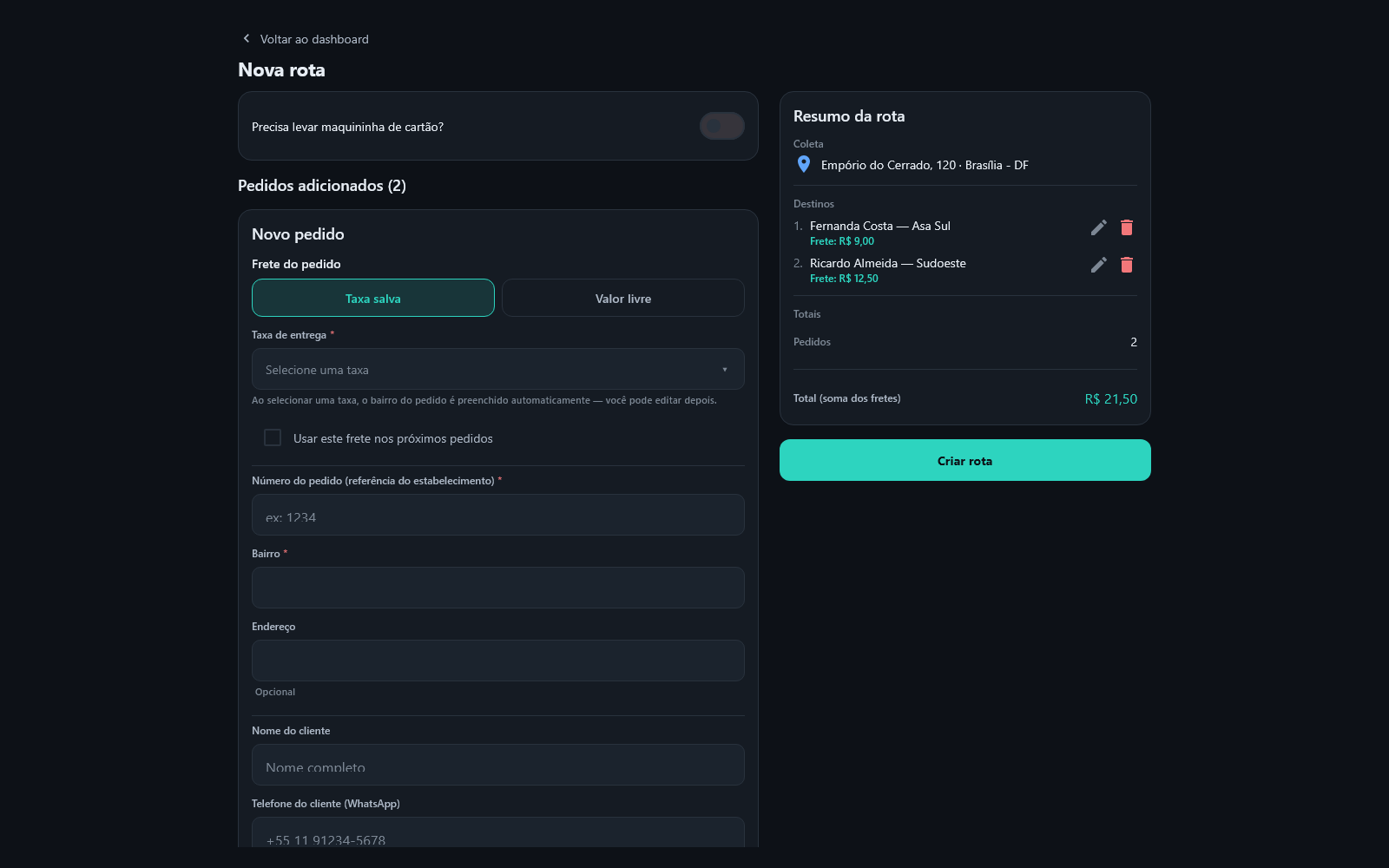
Add the orders with customer, address and delivery fee. The per-neighborhood fee you registered once fills in both the amount and the neighborhood by itself — and the route total is the sum of the fees.
Celo Delivery connects your store to couriers who are available right now — no fleet to hire, no payroll, and no third-party app standing between you and your customer. Every route has its status followed from acceptance to delivery, and spend is accounted for per store.
Works in the browser and on the phone. Nothing to install to get started.
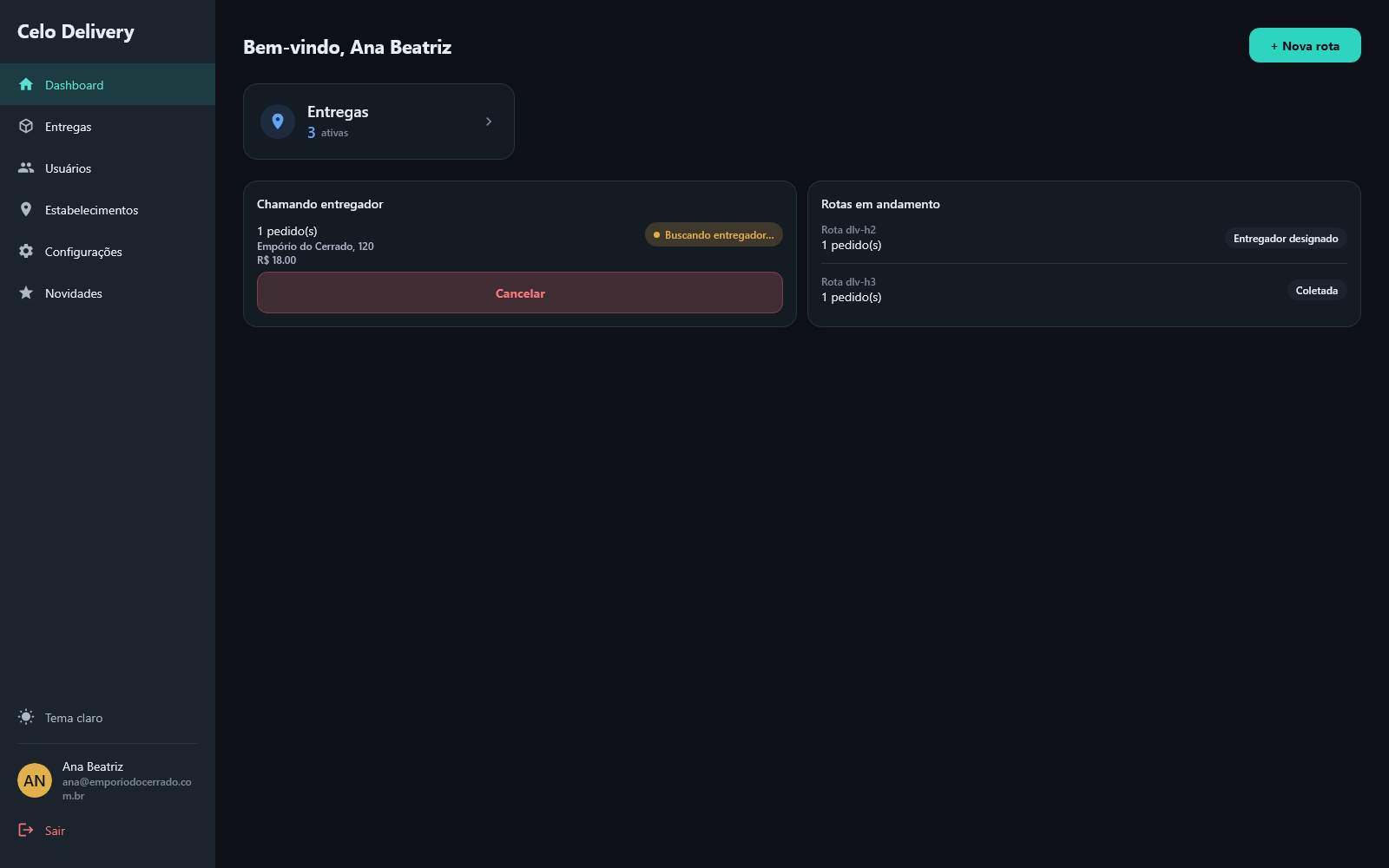
No spreadsheet, no WhatsApp group and no phone calls to find out where the delivery is.
Add the orders with customer, address and delivery fee. The per-neighborhood fee you registered once fills in both the amount and the neighborhood by itself — and the route total is the sum of the fees.
The route is offered to every courier available at that moment. The first to accept takes it — and the dashboard shows which step the route is on: accepted, picked up, delivered.
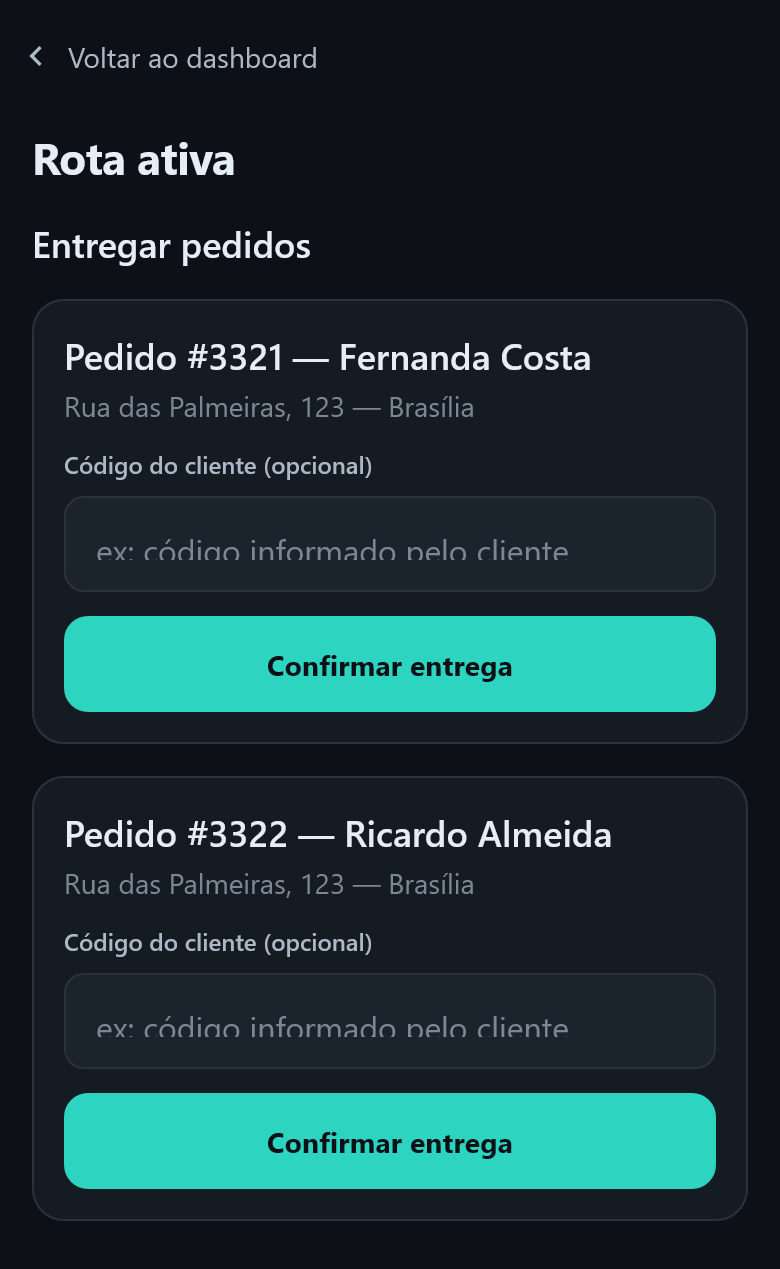
Orders that come with a verification code — iFood's, for example — are supported: the code travels with the order and the courier confirms with it at the door. On every other order it is not required.
Each role sees only what it needs — and nobody has to ask you what's going on.
The same operation, on the screen that makes sense for each one.
Several orders in the same route, each with its own fee. Picking the neighborhood fee fills in the amount and the order's neighborhood — and you can still edit it.
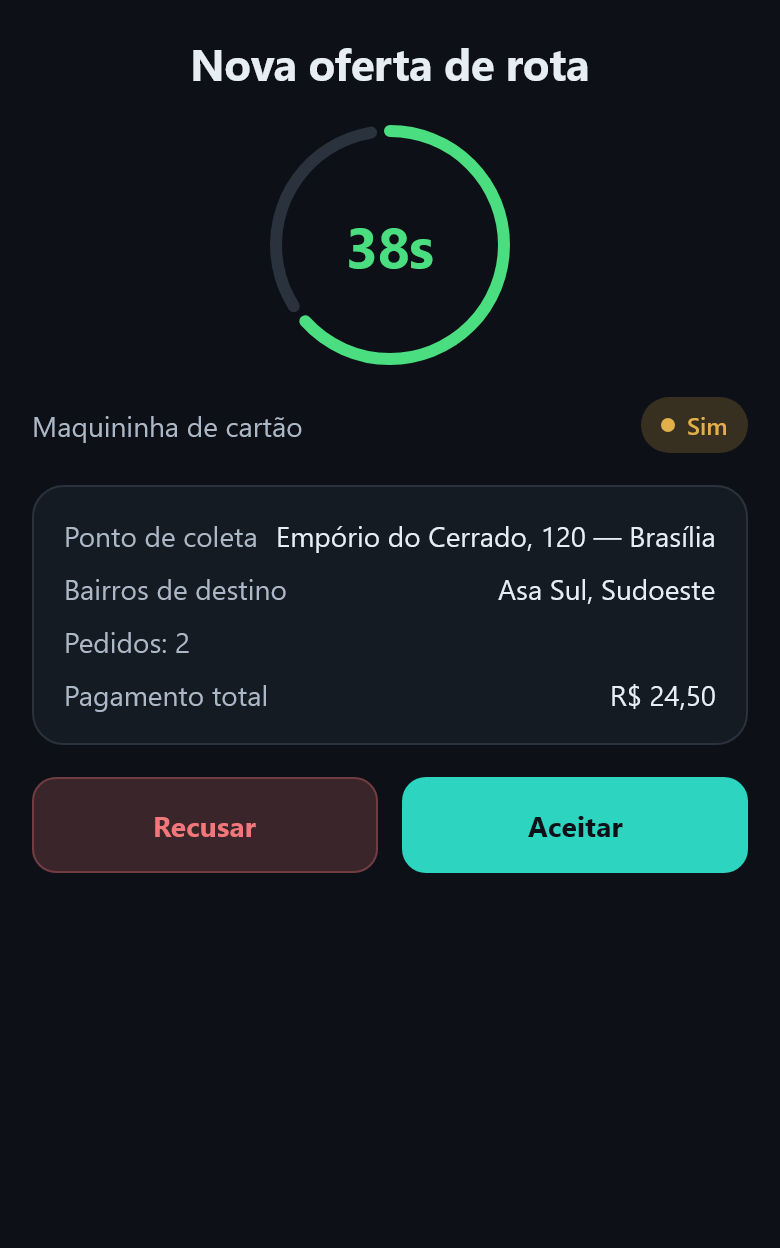
The offer arrives with the amount, the store and the addresses. They accept, the app guides pickup and delivery — and asks for the verification code on orders that have one.
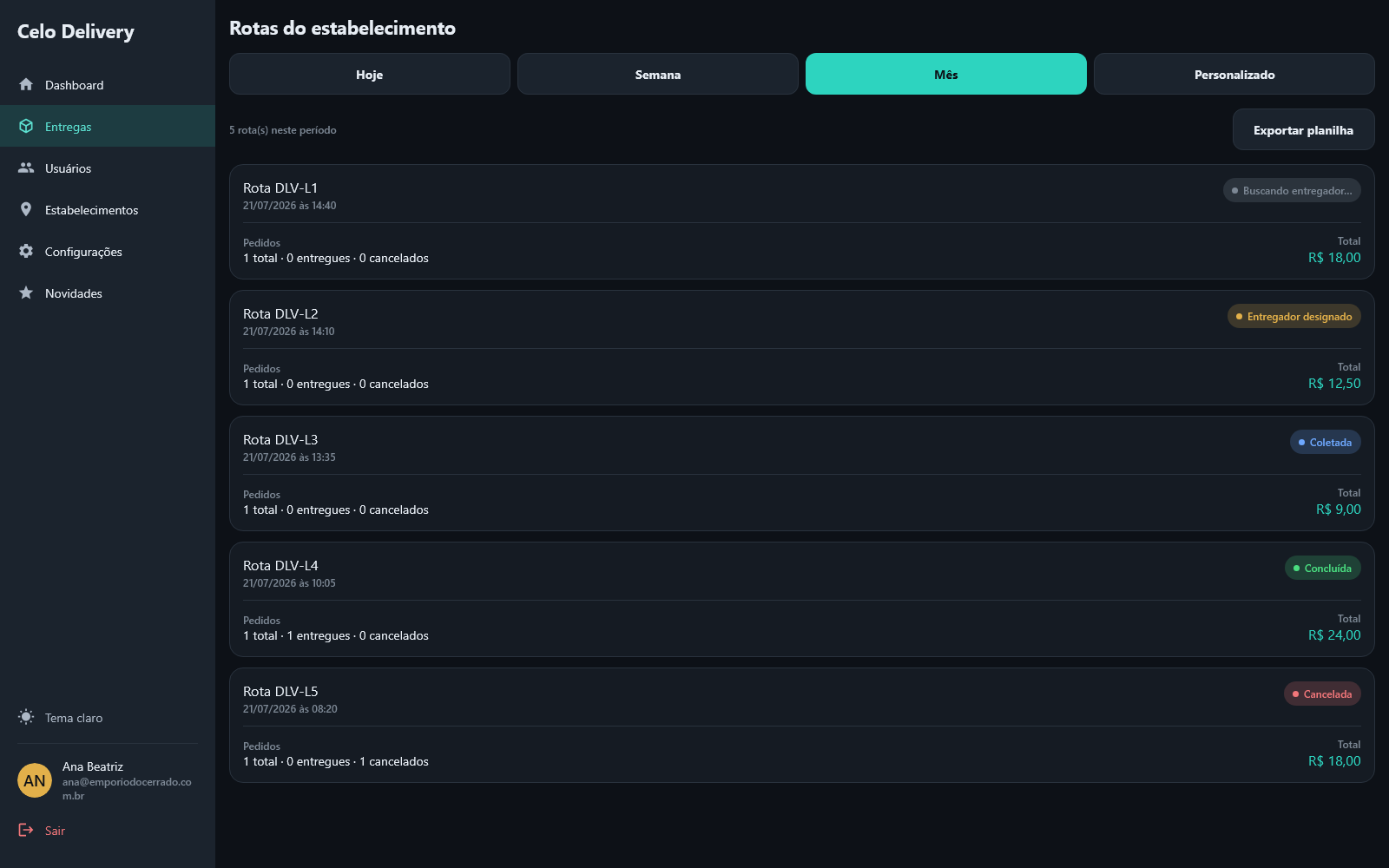
The delivery list shows what's running and what's closed, with the timings of each stage, the reason for each cancellation and the spend for the period.
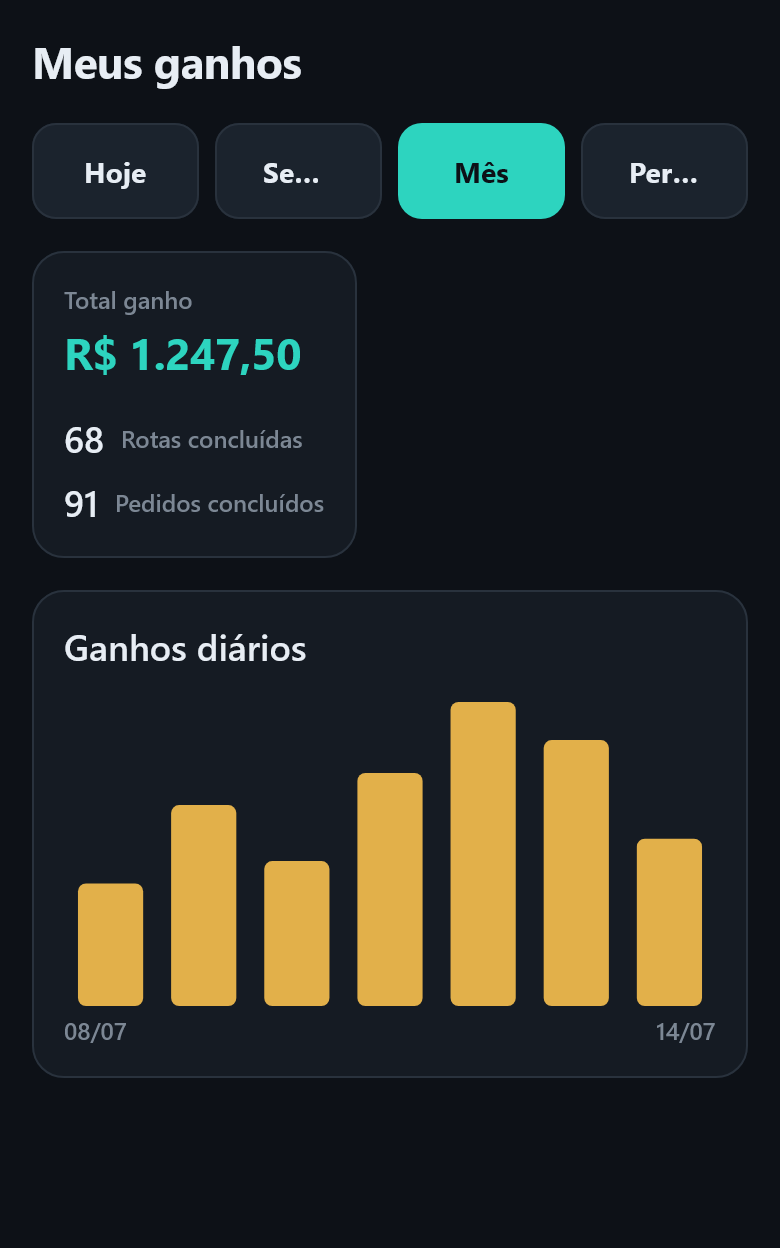
Daily balance, completed rides and the amount of each one. No waiting for someone to add it up at the end of the shift.
Message us on WhatsApp for a quick answer, or write to our email.